
Radio hosting, streaming and web hosting guides.
Plain-English tutorials for broadcasters, website owners, charities, creators and businesses using cPanel, Sonic Panel, AzuraCast, web hosting and radio streaming services.


99.9% Uptime Infrastructure
Built for dependable hosting and streaming
24/7 Expert Support
Real people, real help when you need it
Free Migration Help
Guided setup and transfer support
Blazing Fast
Optimised infrastructure for performance
Daily Backup Ready
Practical data protection workflows
Support content that helps customers launch, manage and grow.
Online Audience guides cover common radio hosting, streaming, web hosting and control-panel questions with practical steps customers can use before and after ordering.
Featured comparisons and radio hosting guides
Start with the bigger decisions, then move into the step-by-step tutorials below.
 Comparison
Sonic Panel vs AzuraCast
Compare two popular radio control panels across usability, AutoDJ, performance and support.
View details → Comparison
cPanel vs StackCP
Understand the difference between classic cPanel hosting and modern StackCP-style hosting.
View details →GuideAll-In-One Radio Hosting Features
Learn about AutoDJ, SSL, bandwidth, listeners, Shoutcast, Icecast and radio websites.
View details →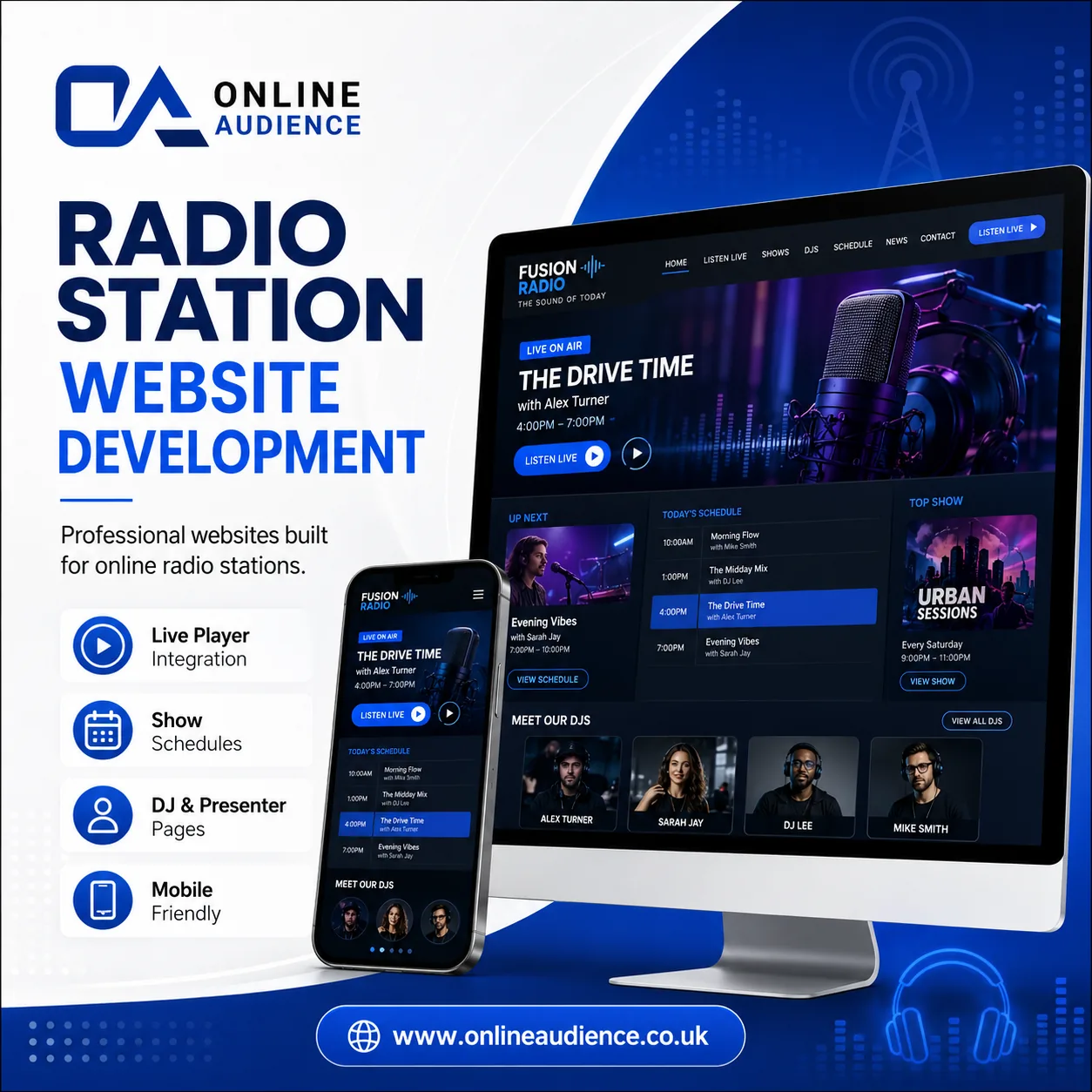 Service
Radio Station Add-ons
Explore schedules, presenter profiles, requests, submissions, live chat and listen-again tools.
View details →cPanel hosting guides
Common cPanel tasks explained clearly for website owners and new hosting customers.
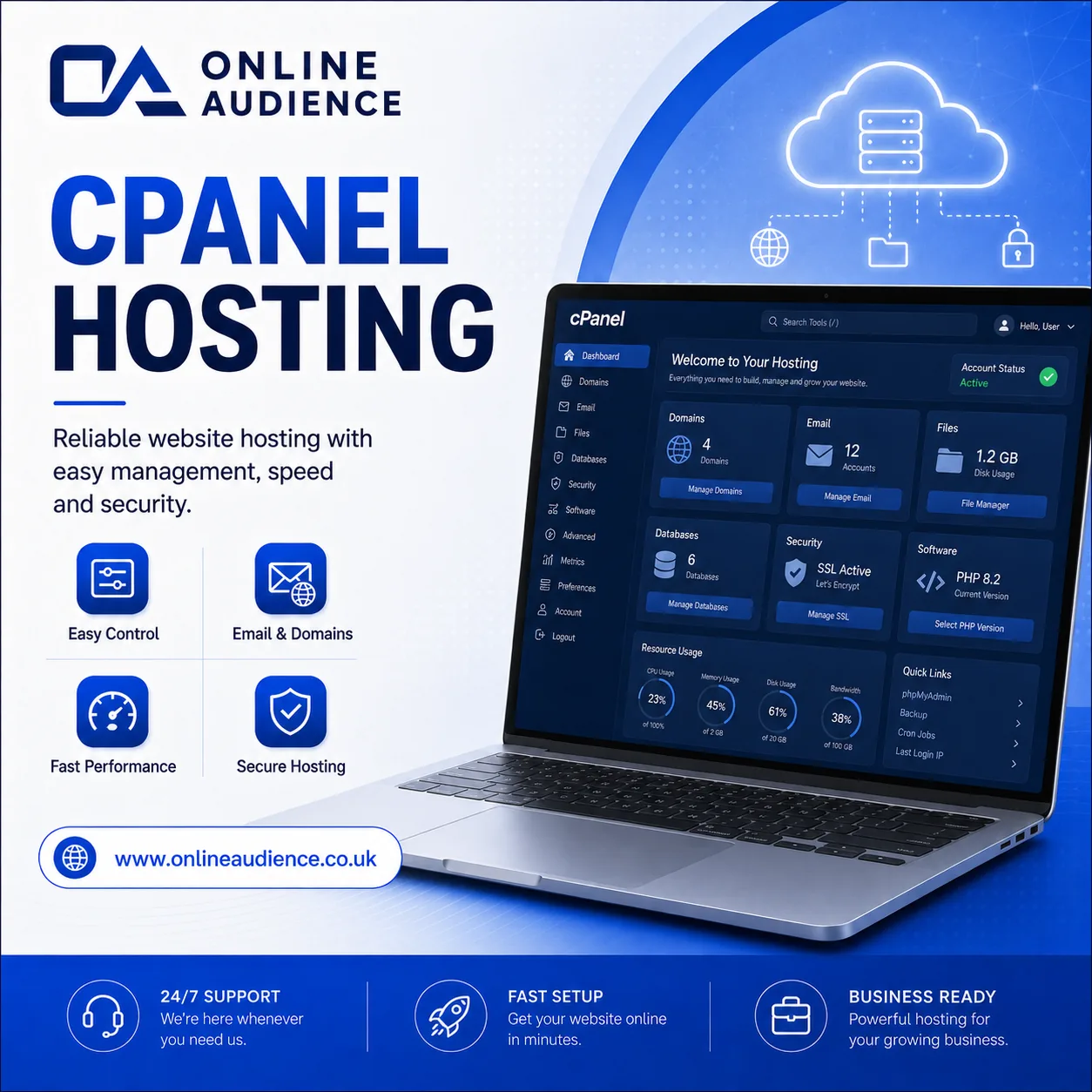 cPanel
How to Create an Email Account in cPanel
Learn how to create a professional email address in cPanel, such as hello@yourdomain.com, and prepare it for everyday business use.
View details →cPanelHow to Access Webmail in cPanel
A simple guide to checking your cPanel email from a browser using Webmail and Roundcube without setting up Outlook or Apple Mail.
View details →cPanelHow to Install WordPress Using Softaculous in cPanel
Install WordPress quickly from cPanel using Softaculous or WordPress Toolkit with SSL, a secure admin user and the correct domain path.
View details →cPanelHow to Upload Website Files Using cPanel File Manager
Use cPanel File Manager to upload website files directly to public_html without needing an FTP client.
View details →cPanelHow to Add a New Domain in cPanel
Add an extra domain to your hosting account and give it a separate document root so it can run as an independent website.
View details →cPanelHow to Create a MySQL Database and User in cPanel
Create a MySQL database, database user and permissions in cPanel for WordPress, forums, custom scripts and applications.
View details →cPanelHow to Back Up Your Website in cPanel
Generate a full cPanel account backup before making major website changes, software updates or migrations.
View details →cPanelHow to Install a Free SSL Certificate with cPanel AutoSSL
Use cPanel AutoSSL to issue or renew free SSL certificates so your website and services load securely over HTTPS.
View details →cPanelHow to Change PHP Version in cPanel
Change your website PHP version from cPanel MultiPHP Manager to improve compatibility, speed and security.
View details →cPanelHow to Set Up a Cron Job in cPanel
Create scheduled tasks in cPanel Cron Jobs to automate scripts, cache clearing, emails and application maintenance.
View details →Sonic Panel radio guides
Practical help for Sonic Panel AutoDJ, playlists, DJ accounts, live streaming and player setup.
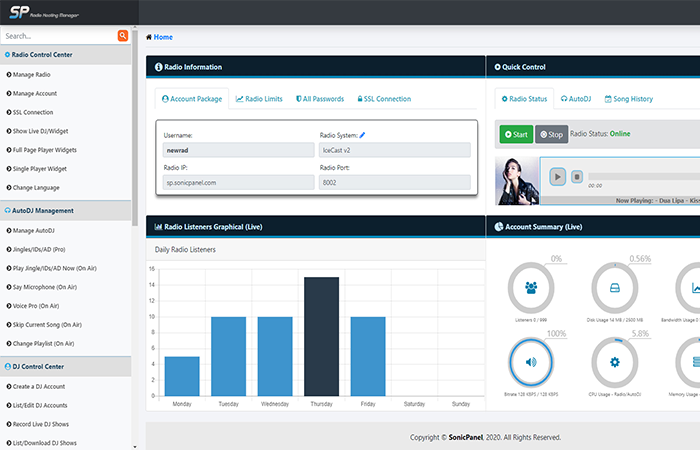 Sonic Panel
How to Create a Sonic Panel Playlist and Upload Audio Tracks
Create a playlist in Sonic Panel and upload MP3 tracks so your station has music ready for AutoDJ automation.
View details →Sonic PanelHow to Turn On and Start AutoDJ in Sonic Panel
Start Sonic Panel AutoDJ, select the active playlist and get your automated radio station broadcasting.
View details →Sonic PanelHow to Set Up a Live DJ Account in Sonic Panel
Create secure DJ accounts in Sonic Panel so presenters can broadcast live without using the main station password.
View details →Sonic PanelHow to Connect External Encoder Software to Sonic Panel
Connect broadcasting software such as BUTT, VirtualDJ, SAM Broadcaster or RadioBOSS to Sonic Panel for live shows.
View details →Sonic PanelHow to Automate Jingles and Station IDs in Sonic Panel
Use Sonic Panel intervals to insert jingles, sweepers and station IDs automatically between tracks.
View details →Sonic PanelHow to Use Voice Pro and Talk Over in Sonic Panel
Use Sonic Panel browser-based talk-over tools to make announcements over your AutoDJ music without a full studio setup.
View details →Sonic PanelHow to Stream Your Radio Live to YouTube or Facebook with Sonic Panel
Send your radio station audio to YouTube Live or Facebook Live using Sonic Panel social streaming tools.
View details →Sonic PanelHow to Automatically Record Live DJ Shows in Sonic Panel
Enable Sonic Panel live show recording so presenter broadcasts can be saved for replay, podcasts or compliance needs.
View details →Sonic PanelHow to Point a Custom Domain and Install Free SSL in Sonic Panel
Use a custom hostname and SSL certificate in Sonic Panel so your radio stream and player load securely on modern websites.
View details →Sonic PanelHow to Get HTML5 Player Code from Sonic Panel
Generate and copy Sonic Panel HTML5 player code so you can embed your radio stream on your website.
View details →AzuraCast radio guides
Helpful AzuraCast tutorials for automation, Web DJ, media, mount points, relays, requests and reporting.
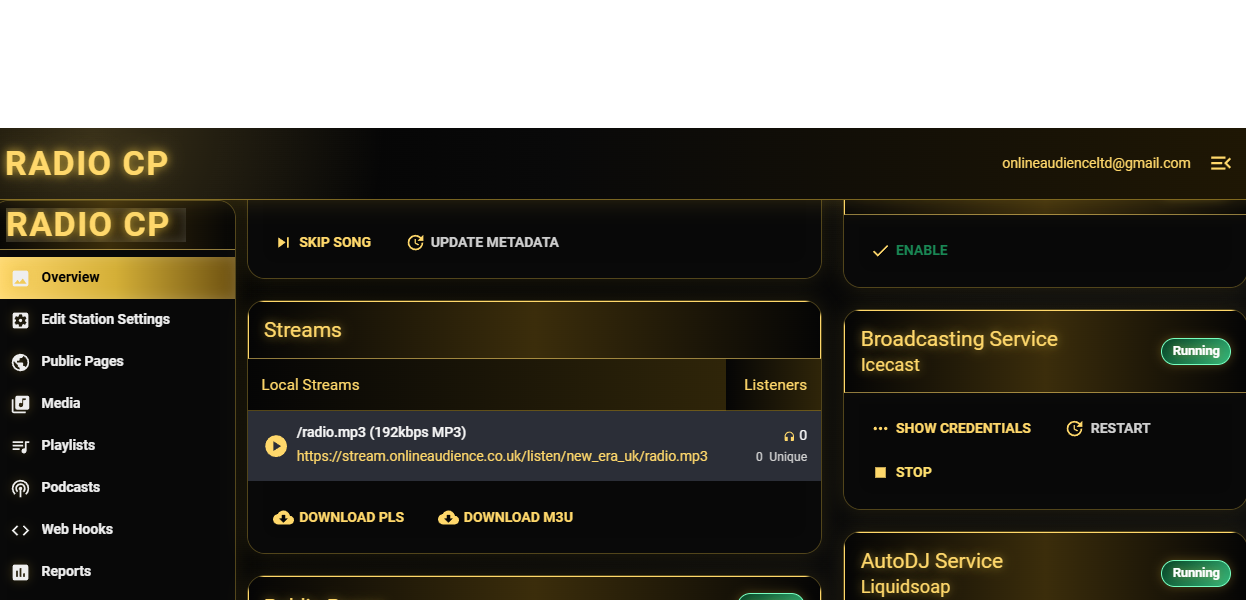 AzuraCast
How to Upload Tracks in AzuraCast Media Manager
Upload and organize MP3, AAC or FLAC tracks inside AzuraCast Music Files before building playlists and schedules.
View details →AzuraCastHow to Create and Schedule a Playlist in AzuraCast
Create an AzuraCast playlist, choose rotation rules and schedule music or shows for the right time of day.
View details →AzuraCastHow to Set Up Streamer and DJ Accounts in AzuraCast
Create secure AzuraCast streamer accounts so presenters can broadcast live at approved times without full admin access.
View details →AzuraCastHow to Broadcast Live Using AzuraCast Web DJ
Use AzuraCast Web DJ to broadcast live from a browser without installing extra encoder software.
View details →AzuraCastHow to Connect an External Encoder to AzuraCast
Connect software such as BUTT, VirtualDJ or hardware encoders to AzuraCast using the station connection details.
View details →AzuraCastHow to Configure Multiple Bitrates and Mount Points in AzuraCast
Create additional AzuraCast mount points for different stream formats or bitrates, such as high-quality and mobile-friendly feeds.
View details →AzuraCastHow to Create a Remote Relay in AzuraCast
Use AzuraCast remote relays to pull in another stream or send your station feed to another streaming provider.
View details →AzuraCastHow to Enable and Manage Song Requests in AzuraCast
Turn on the AzuraCast song request system so listeners can request approved tracks from your station catalogue.
View details →AzuraCastHow to Customize the AzuraCast Public Player Page
Customize the built-in AzuraCast public player page to show album art, listener numbers, history and station branding.
View details →AzuraCastHow to Read Reports and Listener Analytics in AzuraCast
Use AzuraCast reports to review listener trends, recent tracks, song requests and station performance data.
View details →Guides should feel like someone is walking you through the task.
The guide area now has more customer-friendly explanations, and these extra visuals help make technical topics feel less dry. The goal is simple: help customers make one good change, check it worked, then move on with confidence.

Frequently asked questions
Ready to build your station?
Start with reliable radio hosting, then add a website, mobile app, Alexa skill and interactive add-ons as you grow.